Brand kit
QRTada logos, icons, colors, fonts, company descriptions and ready-to-post visuals, free to download when you write about QRTada in an article, a presentation or a partner page. Use them as they are, following the usage rules further down.
The whole kit
Logos, icons, palette, company descriptions, banners, social media visuals and usage rules, in a single ZIP archive.
Download the kit (ZIP)Logo
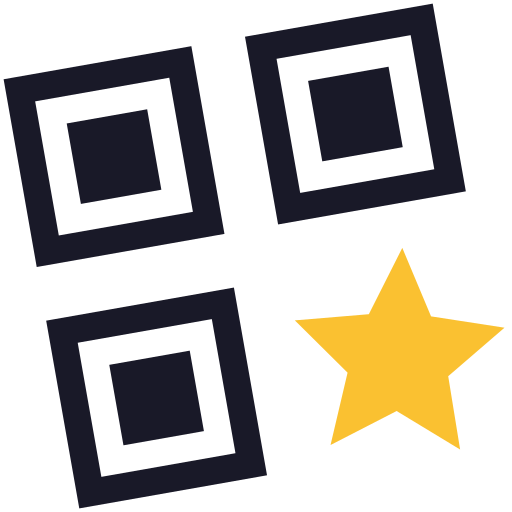
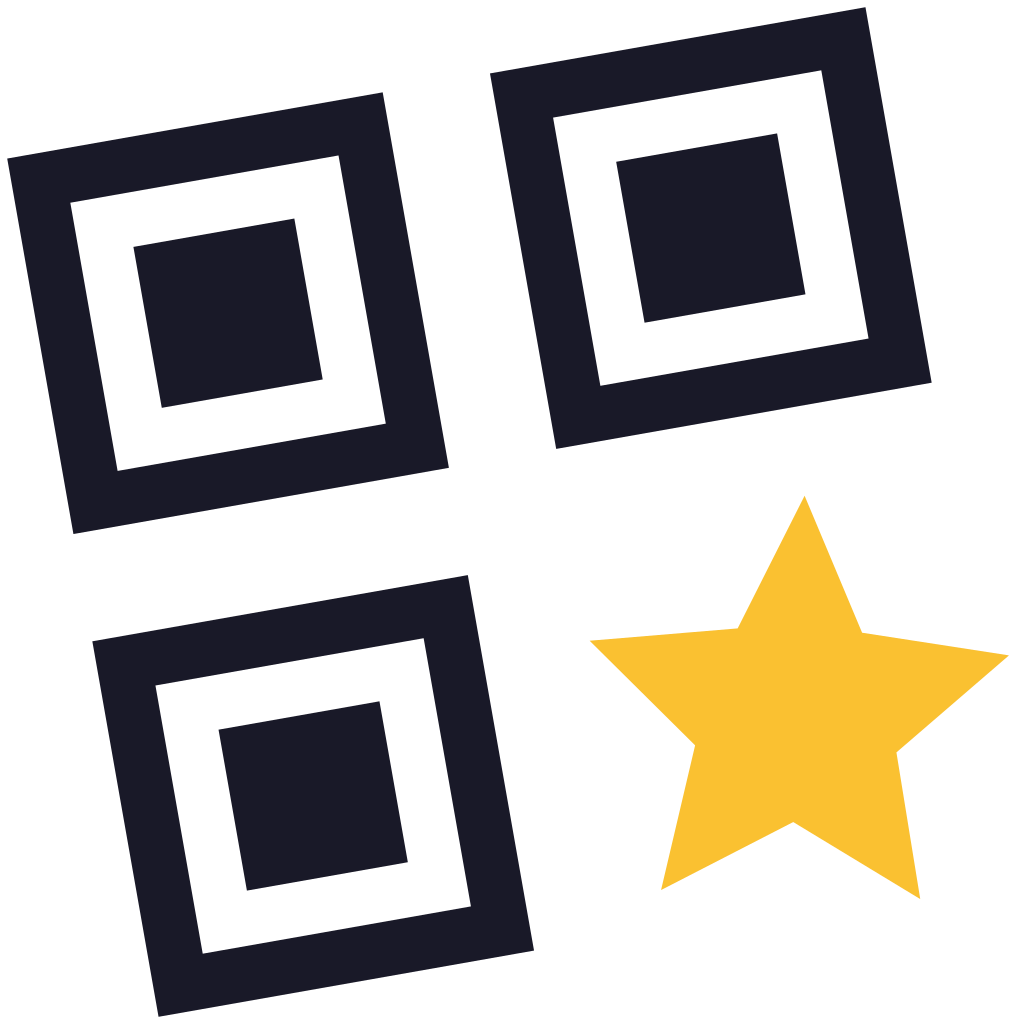
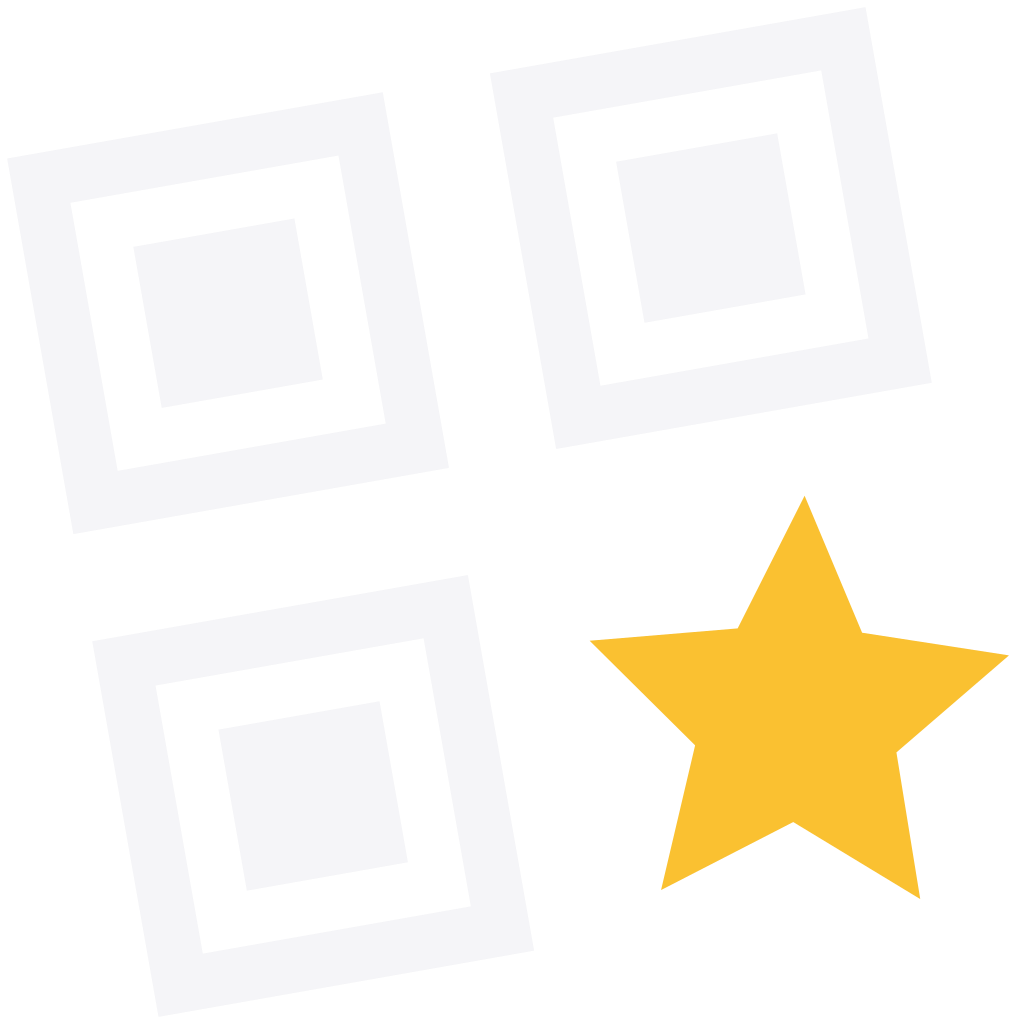
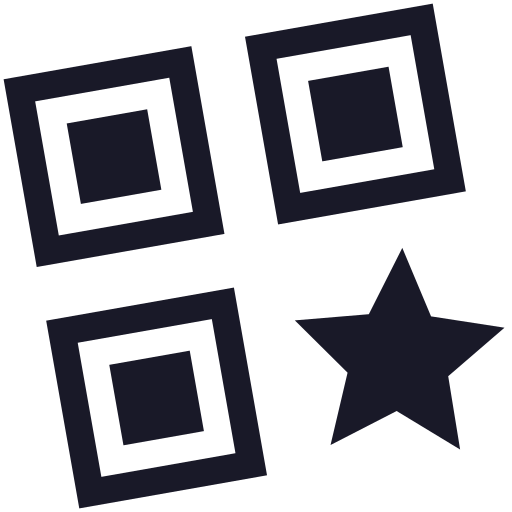
The full logo and the symbol alone, for light backgrounds, dark backgrounds and in monochrome. Prefer SVG; the PNG is transparent and high resolution.
Full logo

Full logo, on dark backgrounds
Off-white with the saffron star. Never ink on a dark background.
Symbol


Icons
The app icon and the pictograms drawn for QRTada.

App icon
Upright symbol on a light background, full square: each platform rounds it itself.
Favicon
Upright symbol, no background, sharp from 16 px.

“Tada” star
The saffron star of the logo, alone. Kept for moments of success, never as decoration.
Colors
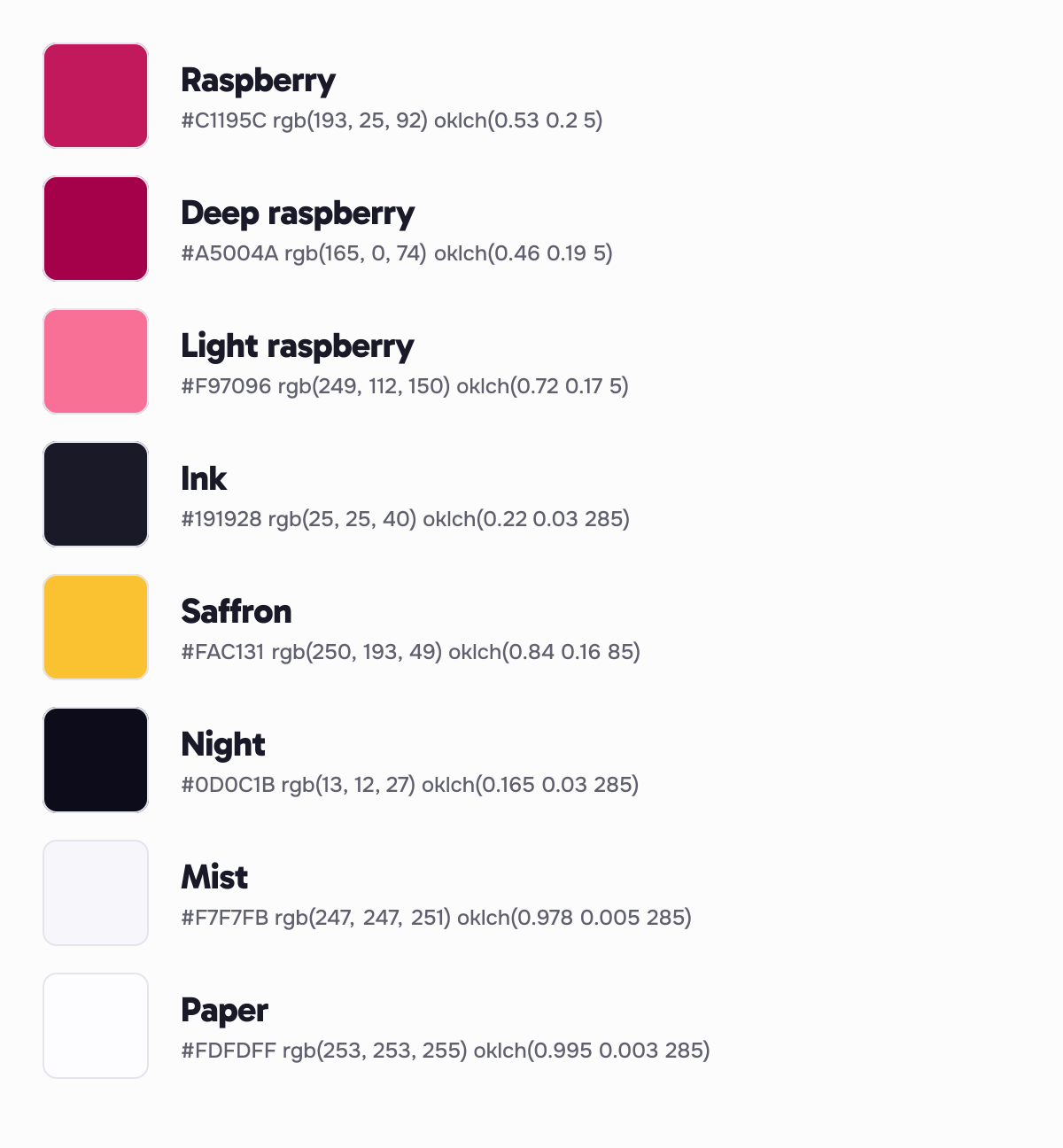
Raspberry for actions, ink for text, saffron for the star. Raspberry stays rare: a button or a link, never a large background.
Raspberry
Action color: primary buttons, active links, focus.
- HEX
- #C1195C
- RGB
- rgb(193, 25, 92)
- OKLCH
- oklch(0.53 0.2 5)
Deep raspberry
Hover on actions, always darker than raspberry.
- HEX
- #A5004A
- RGB
- rgb(165, 0, 74)
- OKLCH
- oklch(0.46 0.19 5)
Light raspberry
Action color on dark backgrounds.
- HEX
- #F97096
- RGB
- rgb(249, 112, 150)
- OKLCH
- oklch(0.72 0.17 5)
Ink
Text, logo on light backgrounds, dark surfaces.
- HEX
- #191928
- RGB
- rgb(25, 25, 40)
- OKLCH
- oklch(0.22 0.03 285)
Saffron
“Tada” star, as a flat fill only, never as text on a light background.
- HEX
- #FAC131
- RGB
- rgb(250, 193, 49)
- OKLCH
- oklch(0.84 0.16 85)
Night
Dark theme background.
- HEX
- #0D0C1B
- RGB
- rgb(13, 12, 27)
- OKLCH
- oklch(0.165 0.03 285)
Mist
Page background in the light theme.
- HEX
- #F7F7FB
- RGB
- rgb(247, 247, 251)
- OKLCH
- oklch(0.978 0.005 285)
Paper
Light surfaces, app icon background.
- HEX
- #FDFDFF
- RGB
- rgb(253, 253, 255)
- OKLCH
- oklch(0.995 0.003 285)
Fonts
Three families under the SIL Open Font License (OFL), free, commercial use included. Download them from their official source.
QR codes that never die
Change where your code points after printing, without reprinting it.
qrtada.com/summer-menu
Company descriptions
Three lengths, written in the third person, ready to use as they are in an article, a press kit or a partner listing.
One line95 characters
QRTada creates dynamic QR codes that stay editable after printing and are tracked scan by scan.
Short paragraph55 words
QRTada is an online service for creating dynamic QR codes. Every code stays editable after printing: its destination changes without reprinting the material. Statistics show the number of scans, the countries and the devices. Codes created during a paid subscription keep working for life, even after cancellation. The service is hosted in the European Union.
Long description139 words
QRTada is an online service for creating and managing QR codes, built for shops, freelancers, agencies and printers in France and the United States. It is available in English and French.
Its QR codes are dynamic: the printed code points to a short QRTada link whose destination can be changed at any time. A menu, a poster or packaging that is already printed can therefore change its content without ever being reprinted. Eighteen content types are available, including links, Wi-Fi, PDFs and business cards.
Every scan is counted: statistics show trends over time, as well as the countries and devices used to scan each code.
QRTada backs its codes with a lifetime guarantee: a code created during a paid subscription keeps redirecting after cancellation, with no time limit. The service and its data are hosted in the European Union.
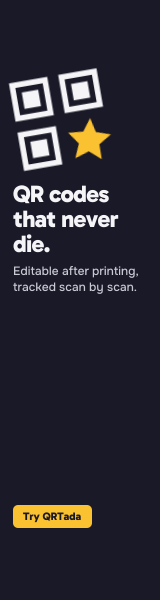
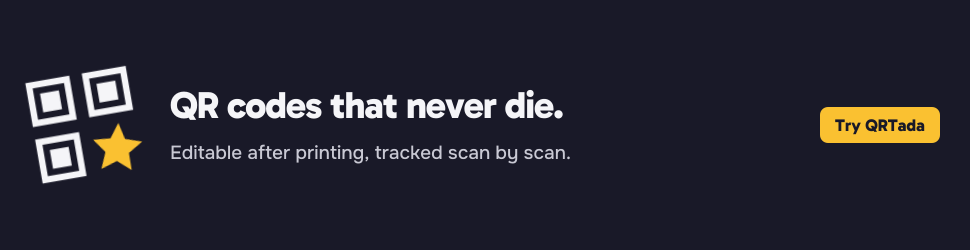
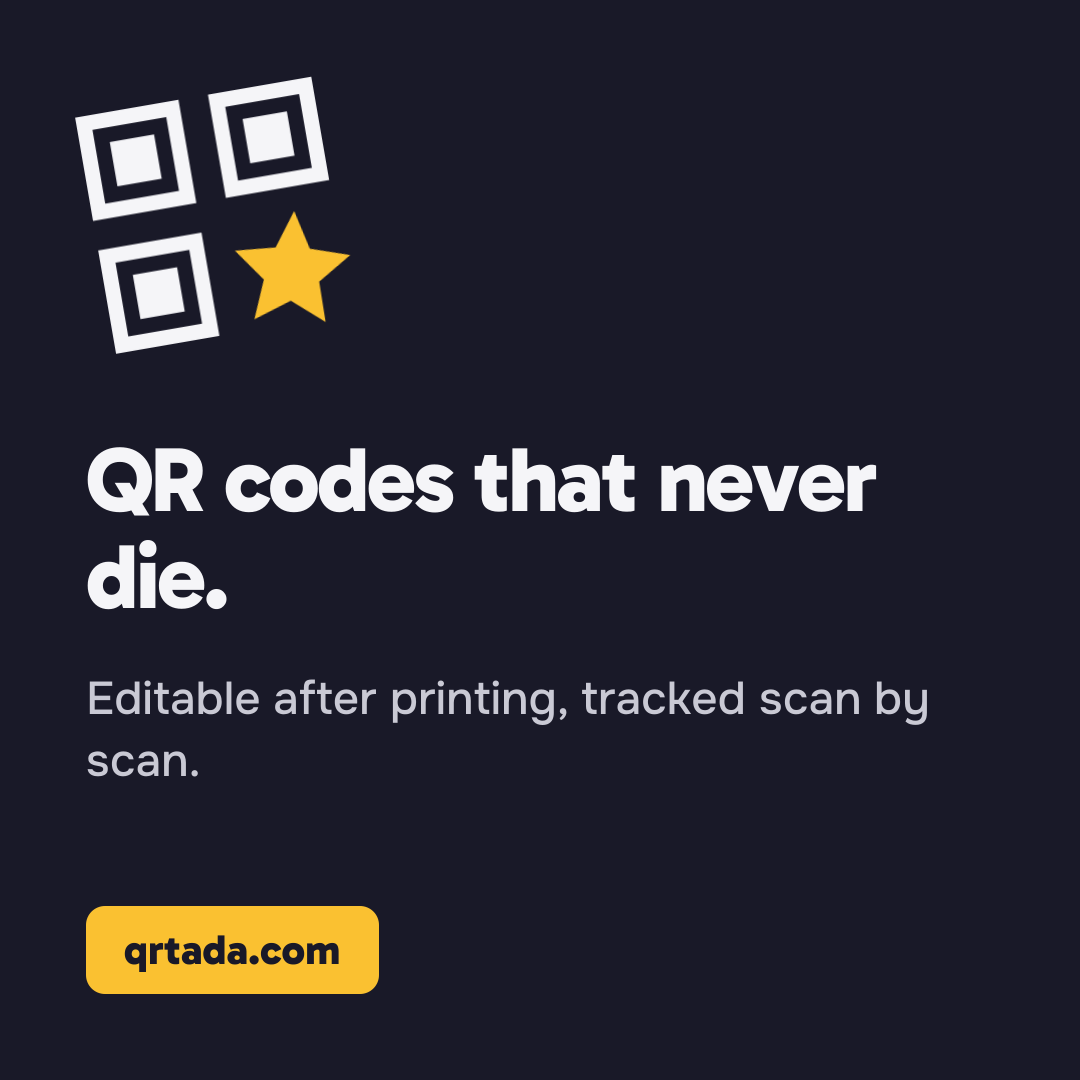
Banners and social media
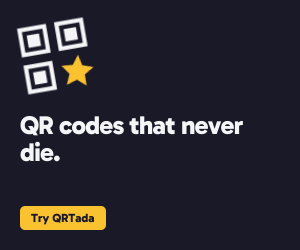
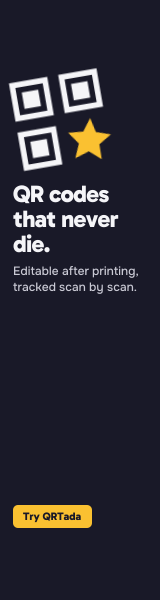
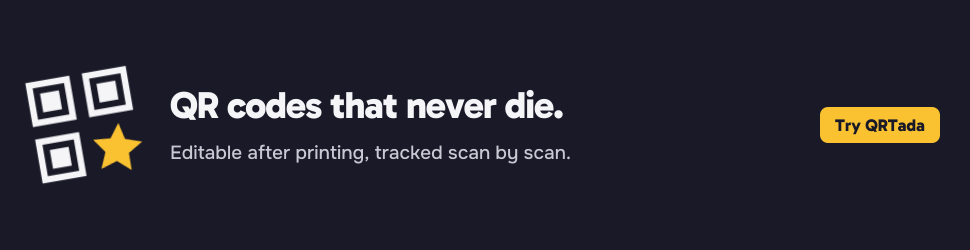
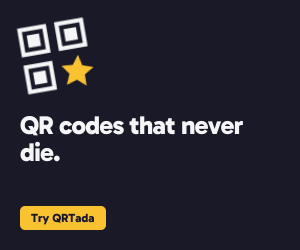
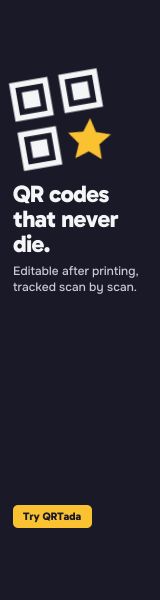
Ready-to-post visuals on an ink background: the symbol, a tagline and a call to action. PNG at the exact size of each format, vector SVG to adjust them.
Web banners
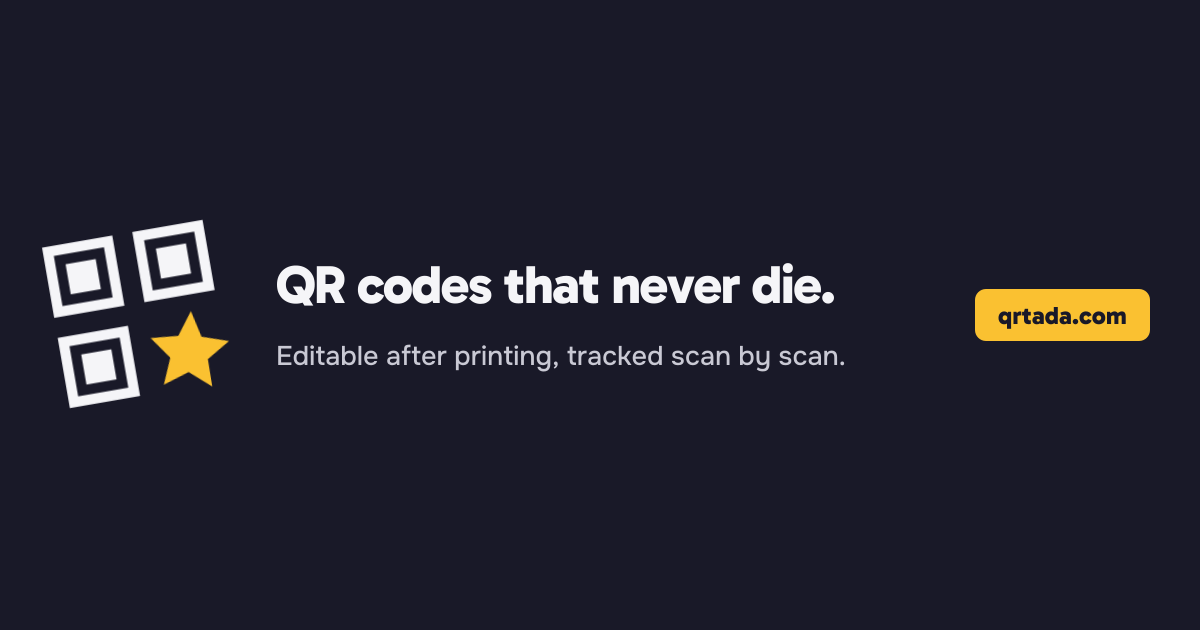
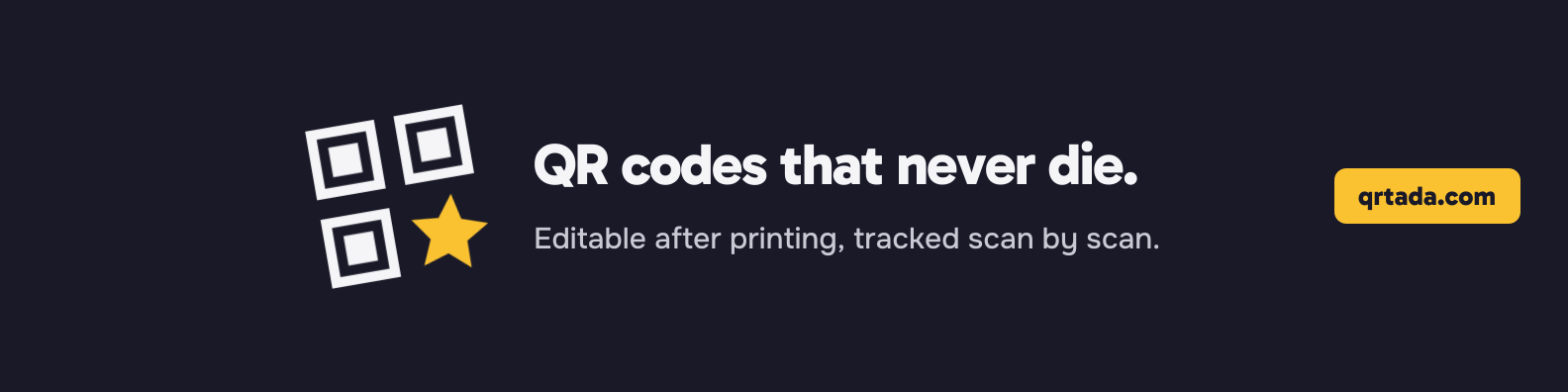
Standard ad formats (IAB), for a website, a blog or a newsletter.

Social media
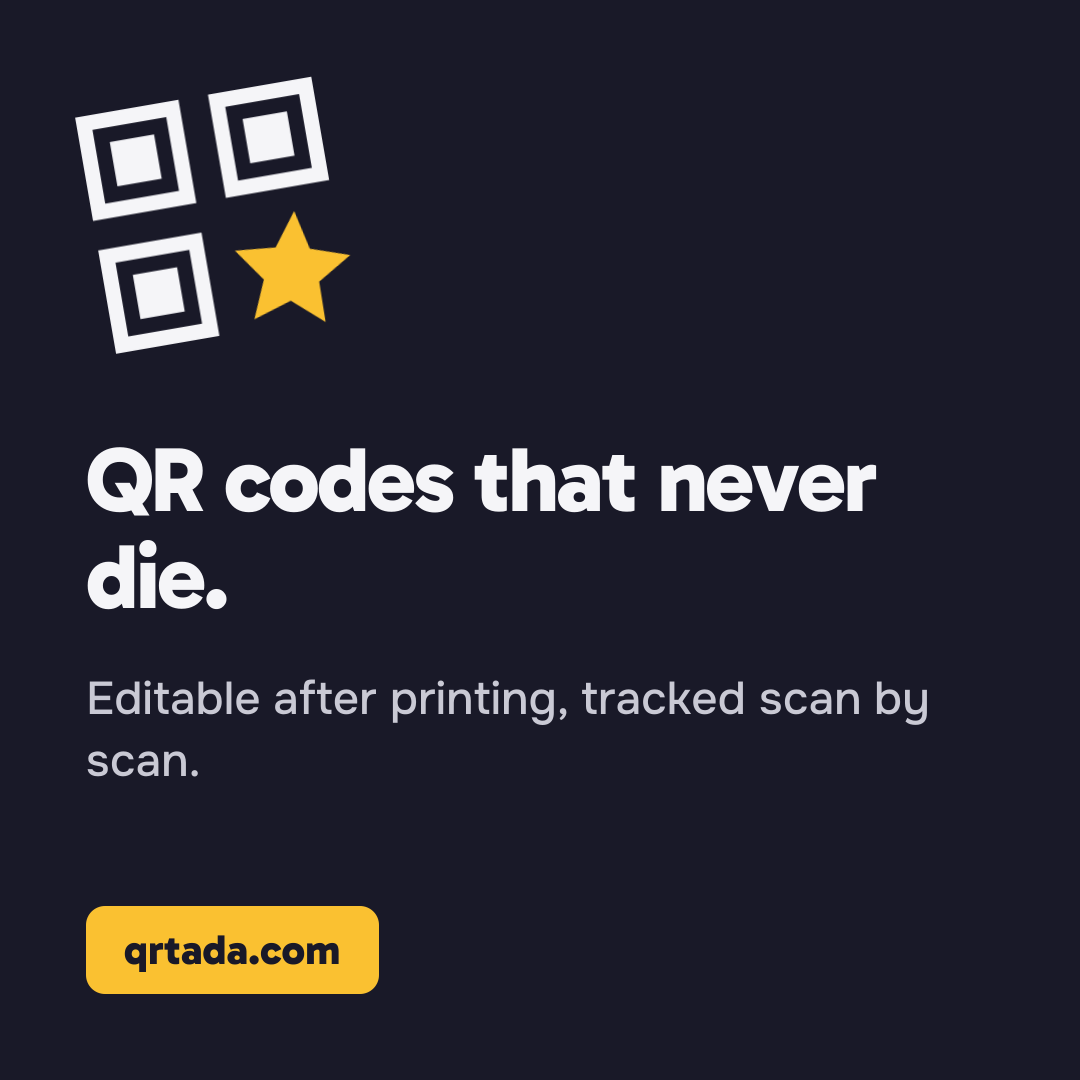
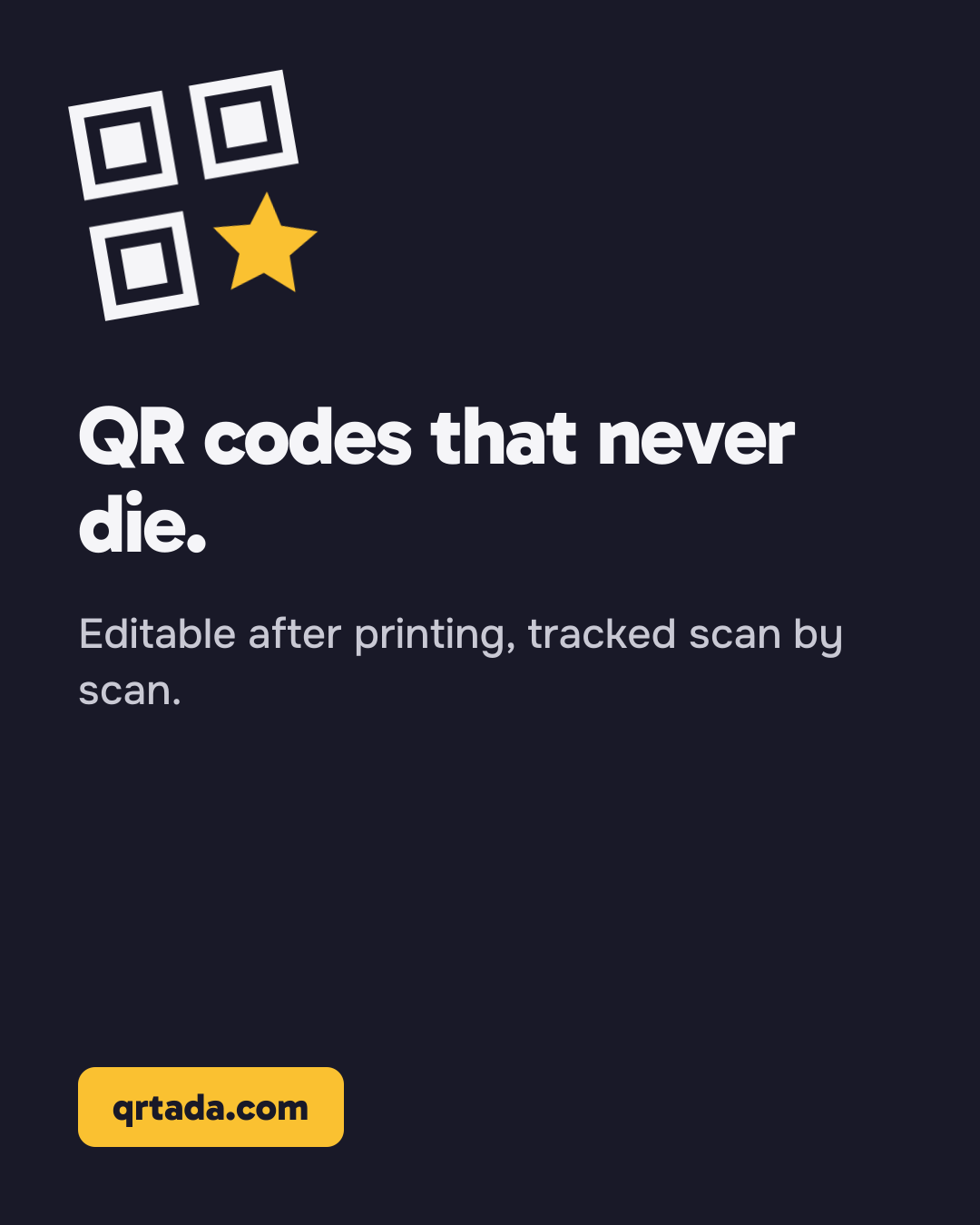
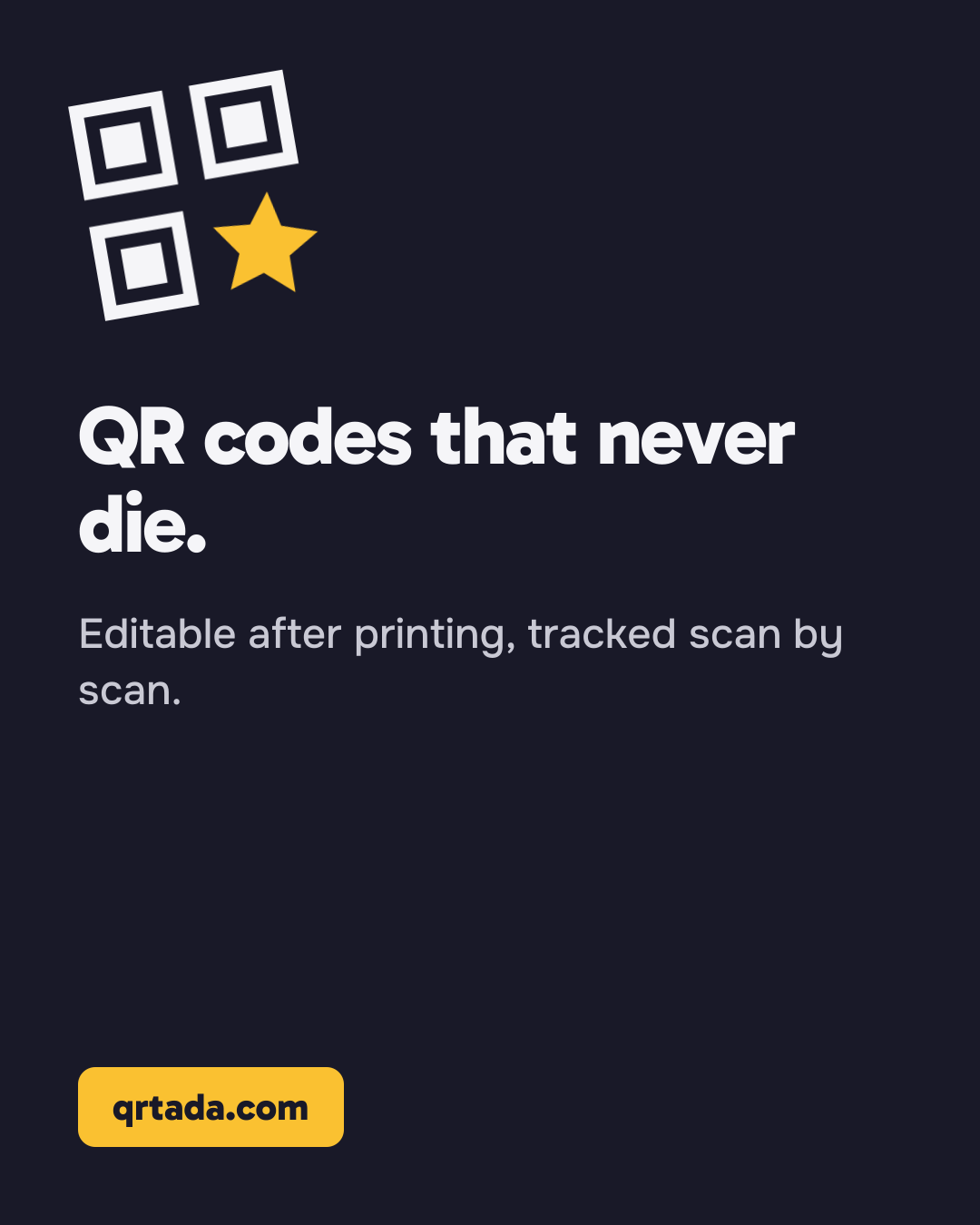
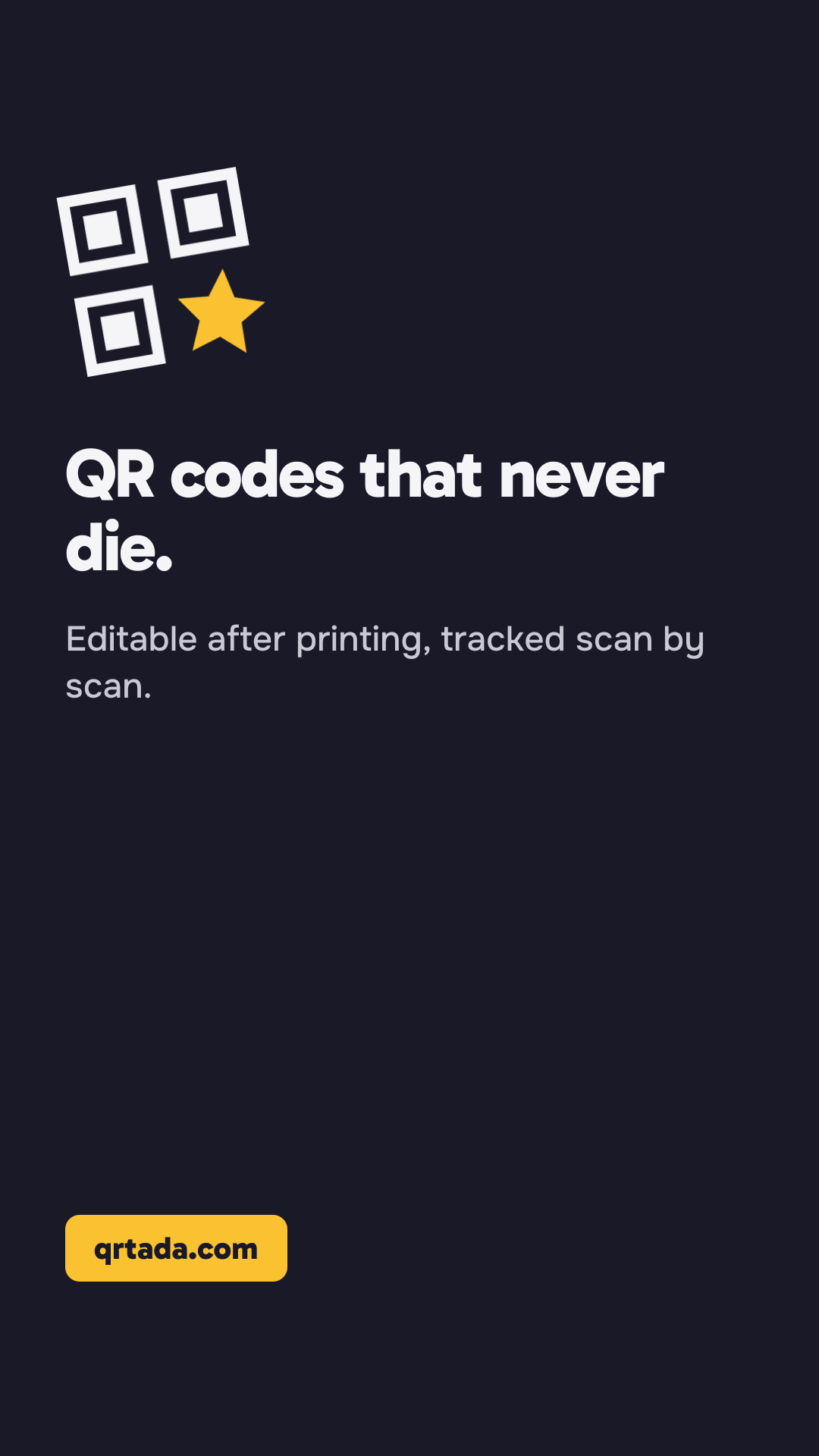
Posts, story, share image and profile covers. On covers, the left side stays clear for the profile picture.
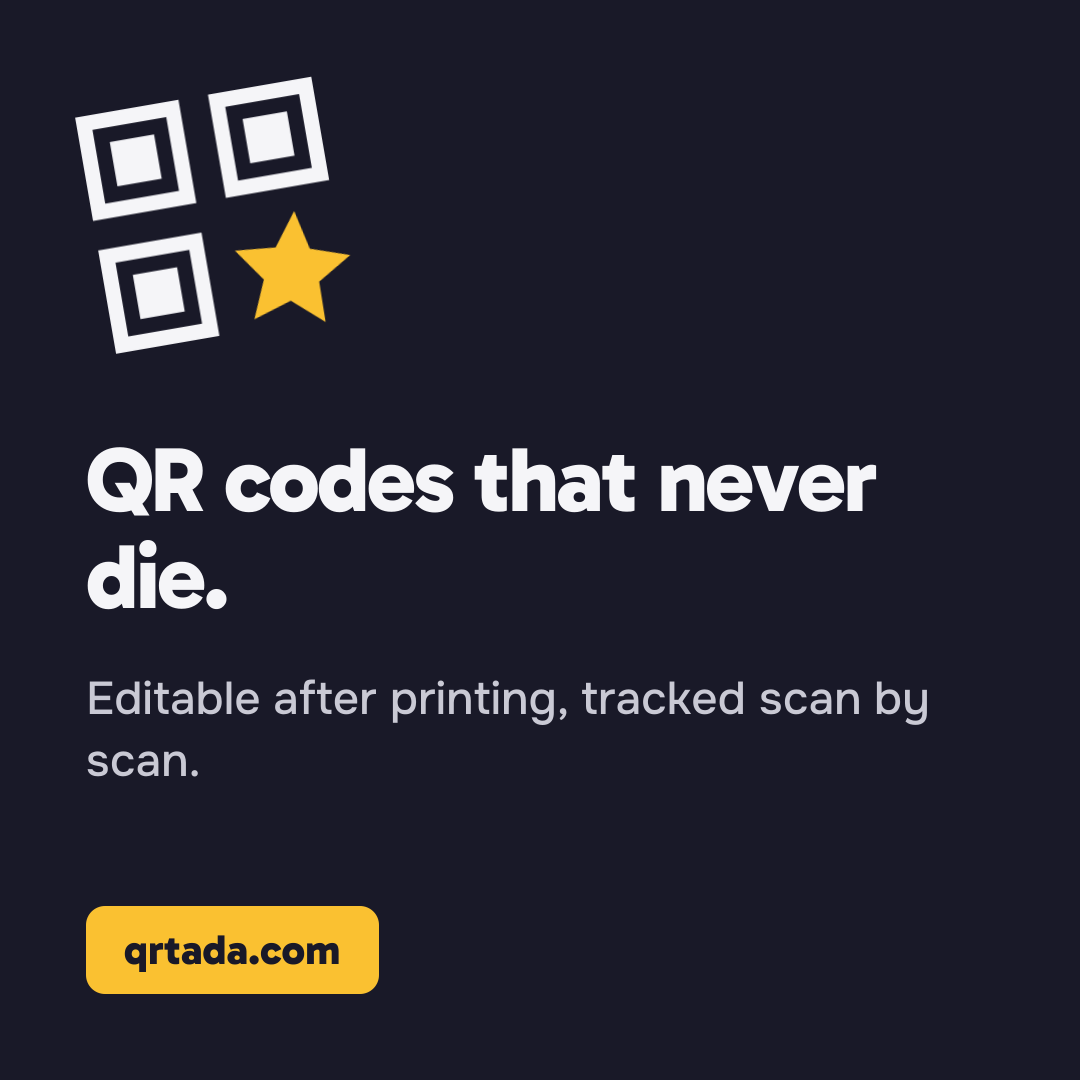
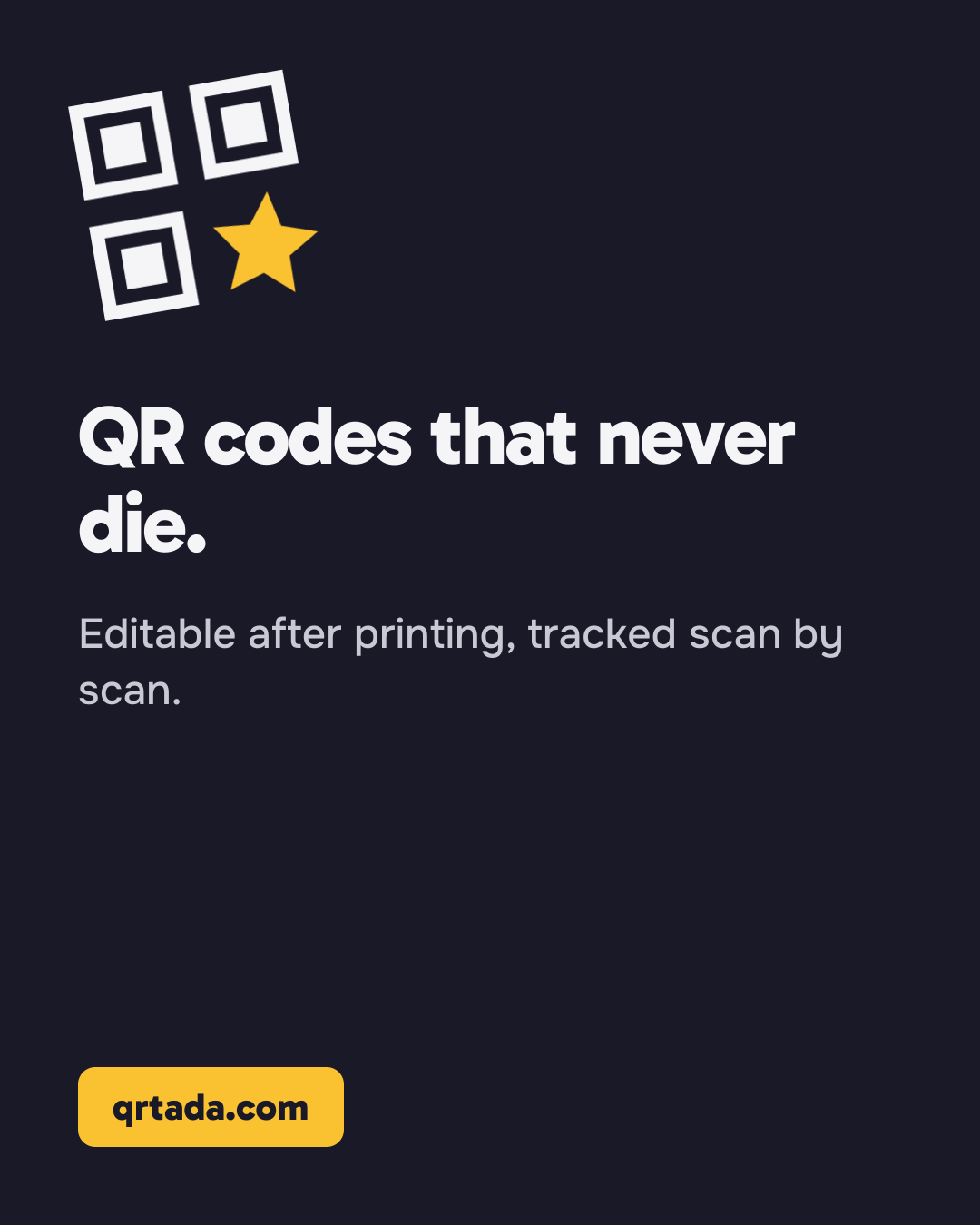
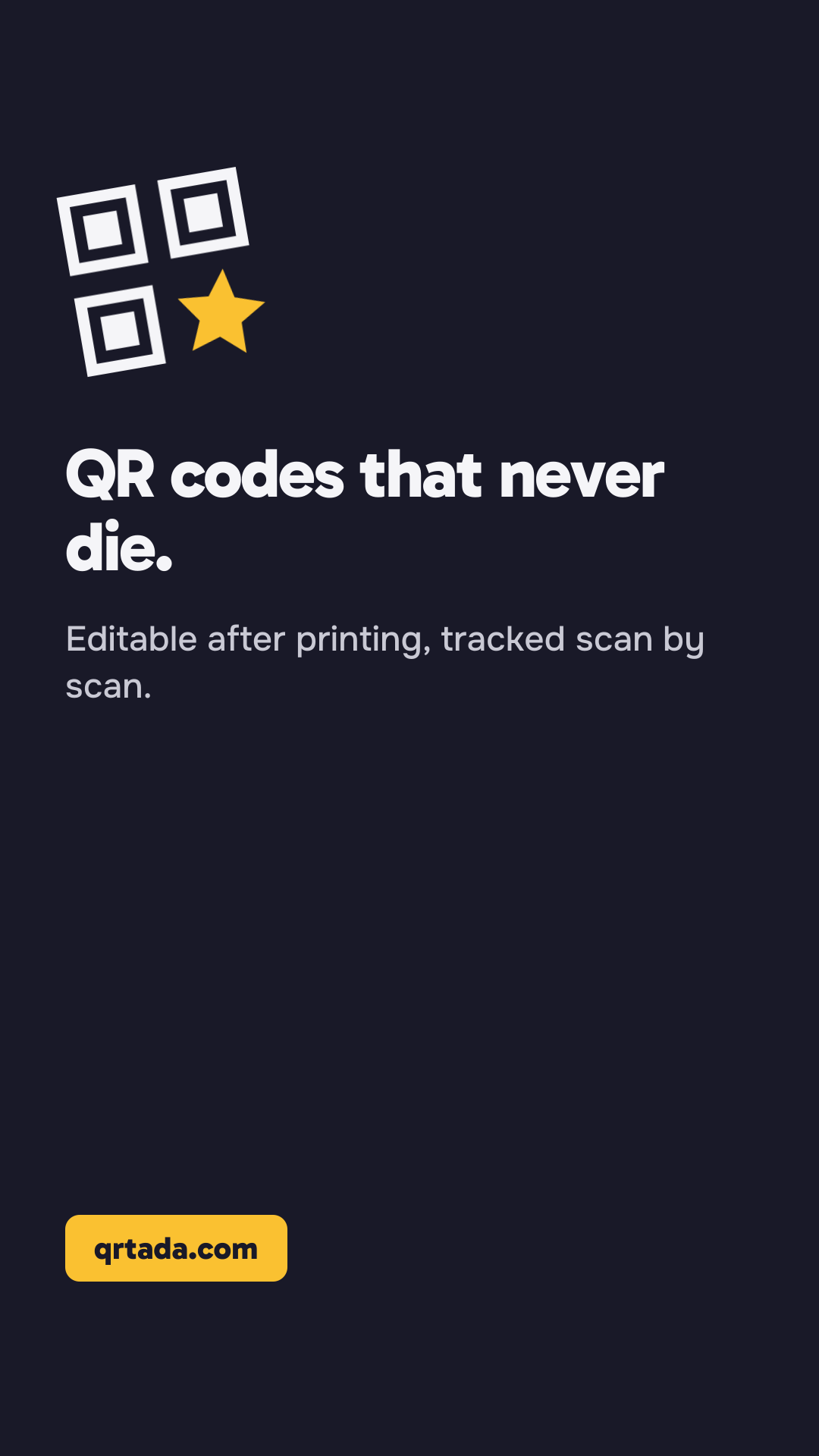
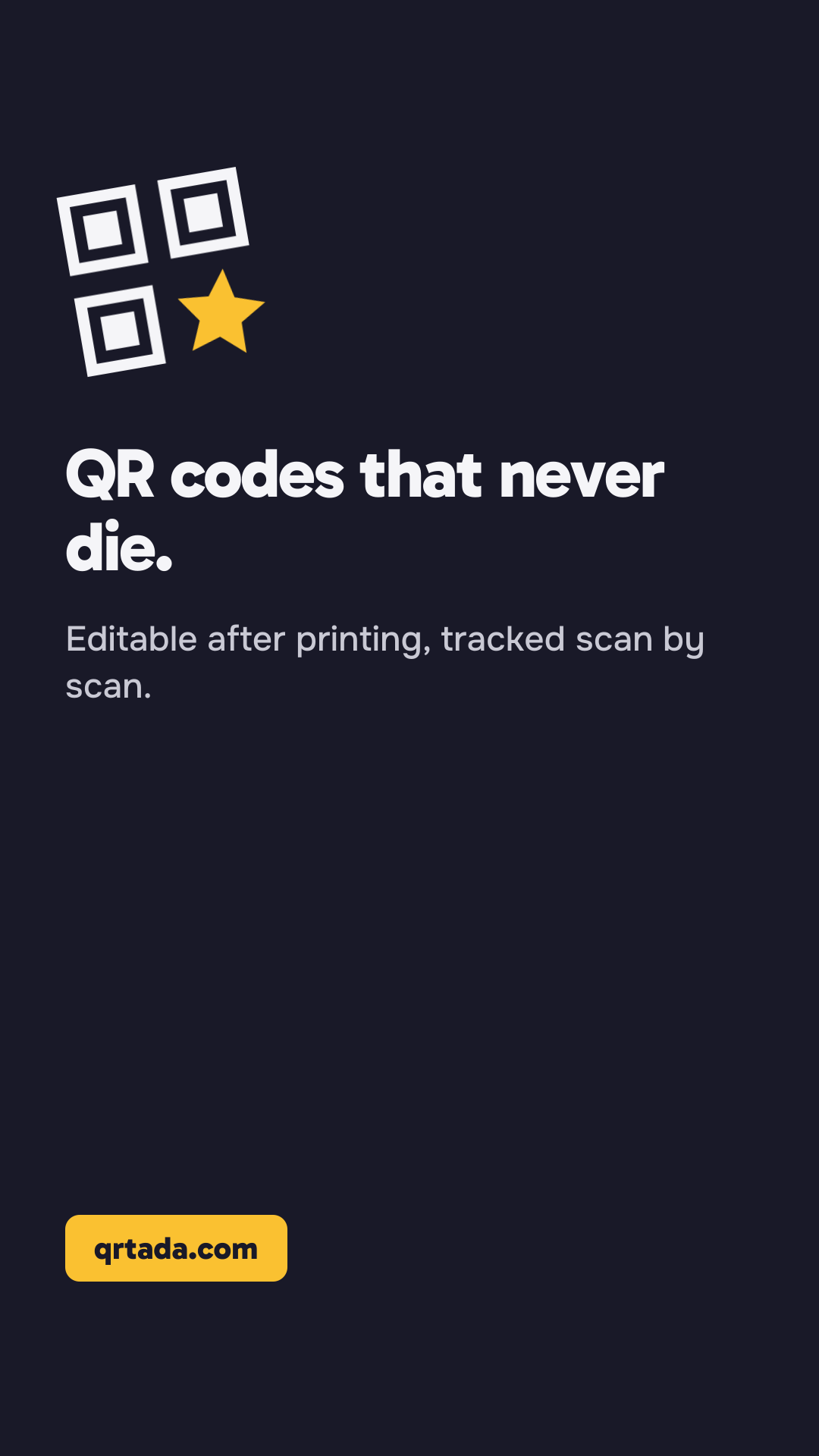
Story
1080 × 1920 px
Instagram, Facebook and WhatsApp. Top and bottom stay clear for the app interface.









Usage rules
What to respect so the QRTada logo and name stay recognizable everywhere. They are also in the archive, as a text file.
Clear space
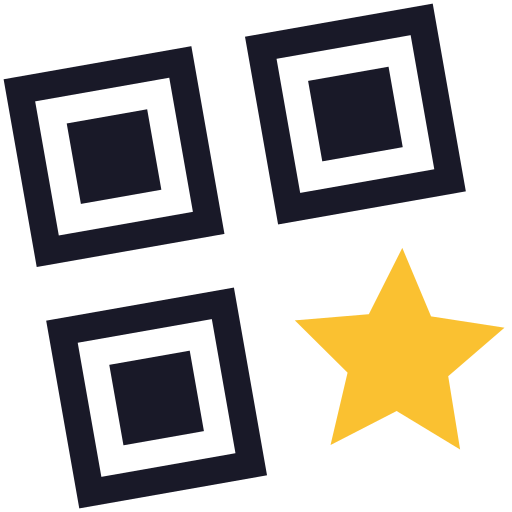
Keep a free space around the logo at least as wide as one of the three squares of the symbol, on all four sides. No text, edge or other image goes inside it.
Minimum sizes
Below these, the squares of the symbol blur together and the logo is no longer legible.
Symbol alone
- On screen
- 16 px wide
- In print
- 6 mm wide
Full logo
- On screen
- 24 px high
- In print
- 8 mm high
Backgrounds and versions
Each background has its version of the logo, all included in the kit.
Light background
Light background version: ink with the saffron star.
Dark background
Dark background version: off-white with the saffron star. Never ink on a dark background.
Raspberry fill
White monochrome version, star included.
Photo
White monochrome version, on a calm area of the image or over an ink overlay, with a contrast of at least 3:1.
Colors and fonts
- Raspberry is for action: a button, a link. Never a large background, never the logo.
- Saffron is reserved for the “Tada” star, as a flat fill, never as text on a light background.
- Ink carries text and the logo on light backgrounds; on dark backgrounds, off-white replaces it.
- Gabarito for headings, Onest for text, JetBrains Mono for short links and identifiers. The word “QRTada” in the logo is drawn: do not retype it in another font.
The name
QRTada is written as one word, with Q, R and T in capitals: not “QR Tada”, “Qrtada” or “QRTADA”.
Don’ts
Use the logo exactly as supplied. Each example below is crossed out: it shows what to avoid.
Distort
Stretching, squashing or cropping the logo. Its proportions never change.
Recolor
Giving it colors other than those of the four supplied versions.
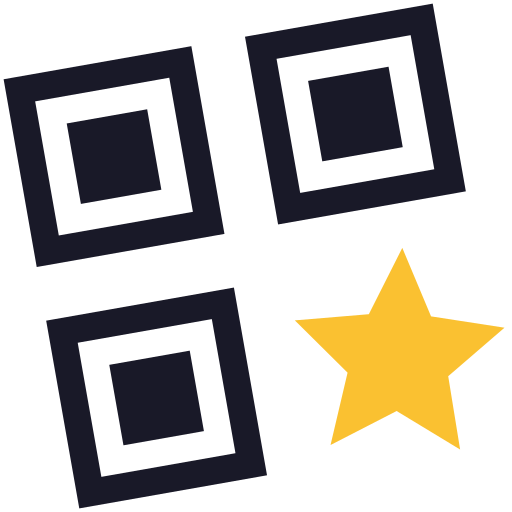
Add an effect
Shadow, outline, gradient, bevel or animation.
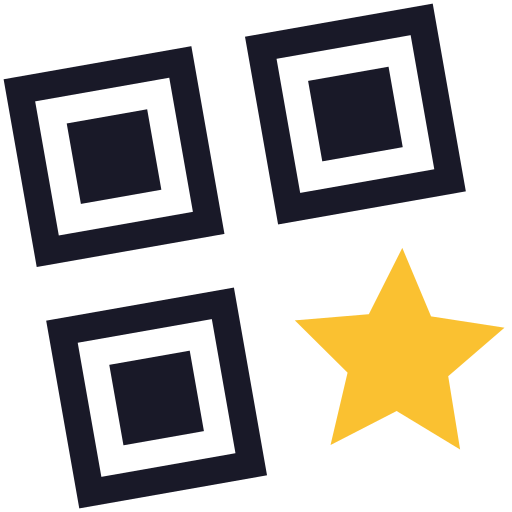
Rotate
The symbol is already tilted by 10°: add no rotation.
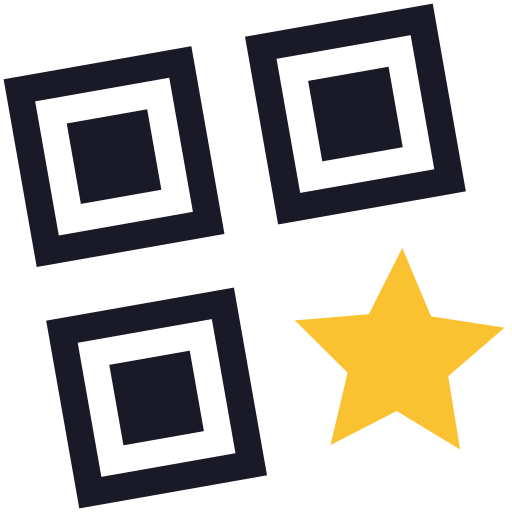
Low-contrast background
Placing it on a background that washes it out, such as ink on a dark background.
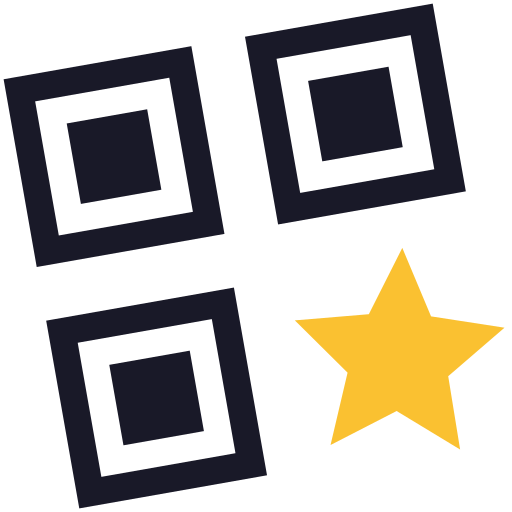
Change the star
Replacing, moving or recoloring the saffron star.
Affiliates, press and partners
- No QRTada name or logo in a domain name or account name: an address like qrtada-promo.com is misleading.
- No QRTada name or logo in the name or packaging of a product or service.
- Do not imply an official partnership, certification or endorsement by QRTada that does not exist. Affiliates present their link as an affiliate link.
- Company descriptions and visuals are used as they are; for an adaptation, write to us first.
Press contact
A question about the brand, an interview, a missing visual? Write to us at bonjour@qrtada.com.
Ready to print a QR code that never dies?
7 days for $0, card required, a reminder 2 days before the first charge, cancel in 2 clicks.
Try it 7 days for $0See pricing